7 min read
Best Practices for Secure Web Applications



Building secure web applications is critical in today's world, where data breaches and cyberattacks are common. To protect sensitive information, developers must integrate security best practices throughout the development process. This article will cover some of the most essential practices that every developer should follow to secure their web applications.
1. Implement HTTPS Everywhere
HTTPS (HyperText Transfer Protocol Secure) encrypts the communication between users and your web application, ensuring that sensitive data like passwords and personal information cannot be intercepted by malicious actors.
- Use TLS (Transport Layer Security) to encrypt communication.
- Redirect all HTTP requests to HTTPS using appropriate server configurations.
- Regularly renew your SSL/TLS certificates to maintain security.

2. Protect Against SQL Injection
SQL Injection attacks are one of the oldest and most dangerous forms of web vulnerabilities, where attackers can manipulate your database queries by injecting malicious SQL code.
Best Practices to Prevent SQL Injection:
- Use Prepared Statements: Instead of directly inserting user input into SQL queries, use prepared statements that separate SQL code from user data.
-- Example of a safe prepared statement in SQL
SELECT * FROM users WHERE username = ? AND password = ?
- Input Validation: Sanitize and validate all user inputs before passing them to your database.
- Use ORM (Object Relational Mapping) frameworks to abstract raw SQL queries.
3. Secure User Authentication
Weak or improperly implemented authentication can expose your application to security threats like unauthorized access. Authentication is the gateway to your application, so it needs to be robust.
Key Practices:
- Use Strong Password Policies: Require users to create complex passwords with a mix of letters, numbers, and special characters.
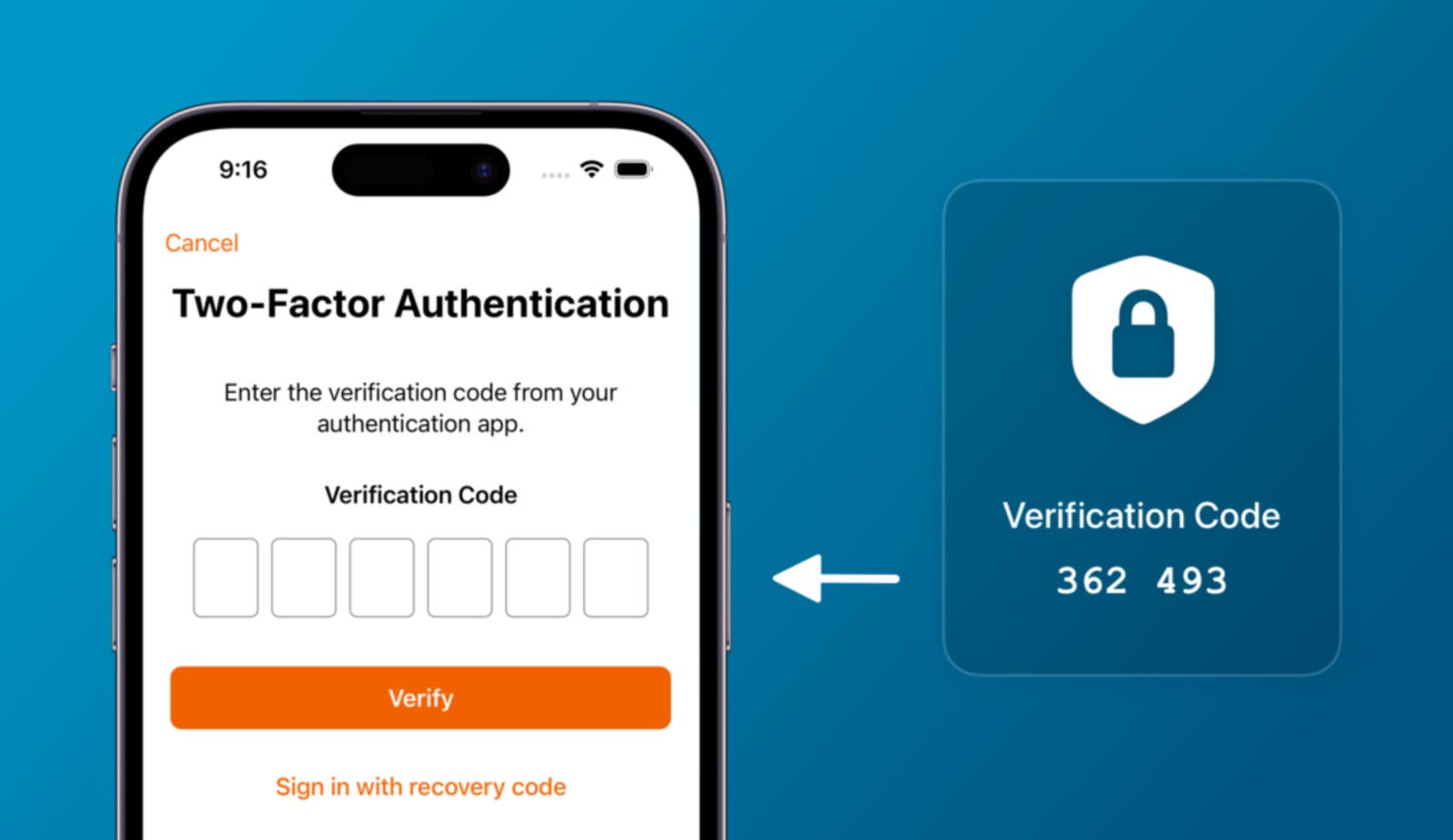
- Implement Multi-Factor Authentication (MFA): MFA adds an additional layer of security by requiring users to provide two or more verification factors.
- Use Secure Password Hashing: Never store passwords in plain text. Instead, hash passwords with secure algorithms like bcrypt, Argon2, or PBKDF2.
Password hashed with bcrypt: $2b$12$uX5Wg...kFf7gdzzgVsBLOi
4. Protect Against Cross-Site Scripting (XSS)
Cross-Site Scripting (XSS) attacks occur when attackers inject malicious scripts into web pages that are viewed by other users. This can allow attackers to steal cookies, session tokens, or even execute actions on behalf of other users.
Preventing XSS Attacks:
- Escape User Input: Ensure that any user-provided data displayed on your pages is properly escaped. This prevents user inputs from being treated as executable code.
- Use a Content Security Policy (CSP): A CSP helps by restricting where resources can be loaded from, minimizing the risk of malicious scripts being executed.
Content-Security-Policy: default-src 'self'; script-src 'self' https://trusted.com
- Sanitize Inputs: For form inputs and query parameters, sanitize inputs to remove dangerous characters or code.
5. Protect Sensitive Data with Encryption
To keep sensitive data secure, both at rest and in transit, encryption is crucial. Properly encrypting sensitive information ensures that even if data is intercepted, it cannot be read or modified.
Encryption Best Practices:
- Use Strong Encryption Standards: Use modern encryption protocols like AES (Advanced Encryption Standard) with 256-bit keys.
- Encrypt Data at Rest: Sensitive data such as user information, credit card details, and personally identifiable information (PII) should be encrypted while stored in databases.
- Encrypt Data in Transit: Always encrypt data that moves between users and servers using SSL/TLS protocols.

6. Implement Strong Access Controls
Controlling access to different parts of your web application is critical to protecting sensitive data. Improper access control can lead to unauthorized users gaining access to restricted areas or data.
Best Practices:
- Role-Based Access Control (RBAC): Implement RBAC to limit what each user or role can access in your application. Define roles like Admin, User, and Guest and set permissions accordingly.
- Least Privilege Principle: Ensure that users only have access to the resources necessary for their role.
- Use API Authentication: Secure API endpoints with proper authentication mechanisms like OAuth2 or JWT (JSON Web Tokens).
7. Protect Against Cross-Site Request Forgery (CSRF)
CSRF attacks trick authenticated users into making unwanted requests to your server, such as transferring funds or changing account details.
Prevention Techniques:
- Use CSRF Tokens: Embed unique CSRF tokens in every form that a user submits. The server should validate this token before processing the request.
<input type="hidden" name="csrf_token" value="random_token_value">
- SameSite Cookies: Use the SameSite cookie attribute to restrict how cookies are sent with cross-site requests.
8. Regularly Update Dependencies
Web applications rely on many third-party libraries and frameworks. However, outdated dependencies can introduce vulnerabilities that attackers might exploit.
Best Practices:
- Monitor Vulnerabilities: Regularly check for known vulnerabilities in your dependencies using tools like npm audit, Snyk, or OWASP Dependency-Check.
- Use Package Managers: Package managers like npm, pip, or Composer allow you to quickly update packages to their latest secure versions.
- Update Frameworks: Ensure that your web development framework (e.g., Django, Express.js, Spring) is kept up to date with the latest security patches.
9. Implement Logging and Monitoring
Logging and monitoring are crucial for detecting and responding to security incidents. By tracking user activities and system events, you can identify suspicious behavior early.
Logging Best Practices:
- Log Key Events: Monitor login attempts, user actions, failed transactions, and security alerts.
- Secure Logs: Ensure that logs are properly secured and cannot be tampered with by attackers.
- Implement Real-Time Monitoring: Use monitoring tools like Prometheus, Elastic Stack, or Splunk to track suspicious activities and alerts in real-time.
10. Secure API Endpoints
With more applications relying on APIs for communication, securing API endpoints has become increasingly critical. Insecure APIs can expose sensitive data and lead to major breaches.
API Security Best Practices:
- Use Authentication and Authorization: Secure your API with authentication mechanisms like OAuth2 and authorization using RBAC.
- Rate Limiting: Protect your APIs from brute-force attacks by limiting the number of requests an API can handle from a single client within a given time frame.
- Validate Inputs: Sanitize and validate all inputs that your API receives to prevent injection attacks.
Conclusion
Securing a web application requires attention to detail at every layer, from authentication mechanisms to encryption techniques and input validation. By following these best practices, you can build secure web applications that protect user data and minimize vulnerabilities. Remember that security is not a one-time effort—continuous monitoring, updates, and improvement are necessary to stay ahead of potential threats.
By adhering to these guidelines, developers can greatly reduce the risk of their web applications falling victim to common cyberattacks, ensuring a safer environment for users.
If you need a team that builds security in from the start rather than bolting it on later, Stardelite's software development team can help.
Summary
- Implement HTTPS for all communication.
- Protect against SQL Injection.
- Secure user authentication with strong passwords and MFA.
- Prevent Cross-Site Scripting (XSS).
- Encrypt sensitive data.
- Implement strong access control (RBAC).
- Protect against Cross-Site Request Forgery (CSRF).
- Regularly update dependencies.
- Use logging and monitoring tools.
- Secure API endpoints with proper authentication.
Links
For more on web security, check out this comprehensive guide on OWASP.
Share this:


 5 min read